AI-DLC: Reimagining the Software Development Lifecycle with AI: My Session at AWS Community Day Nepal 2026
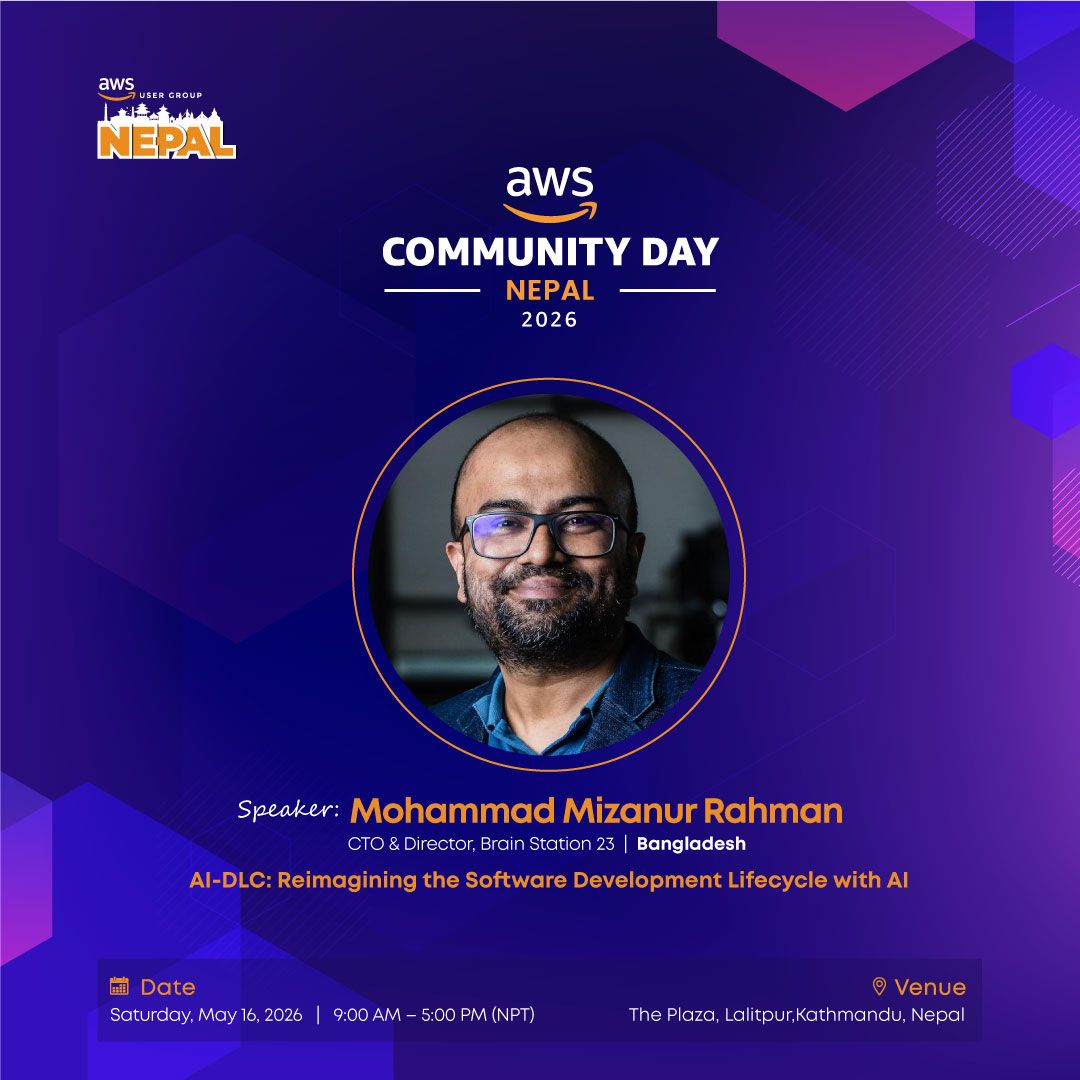
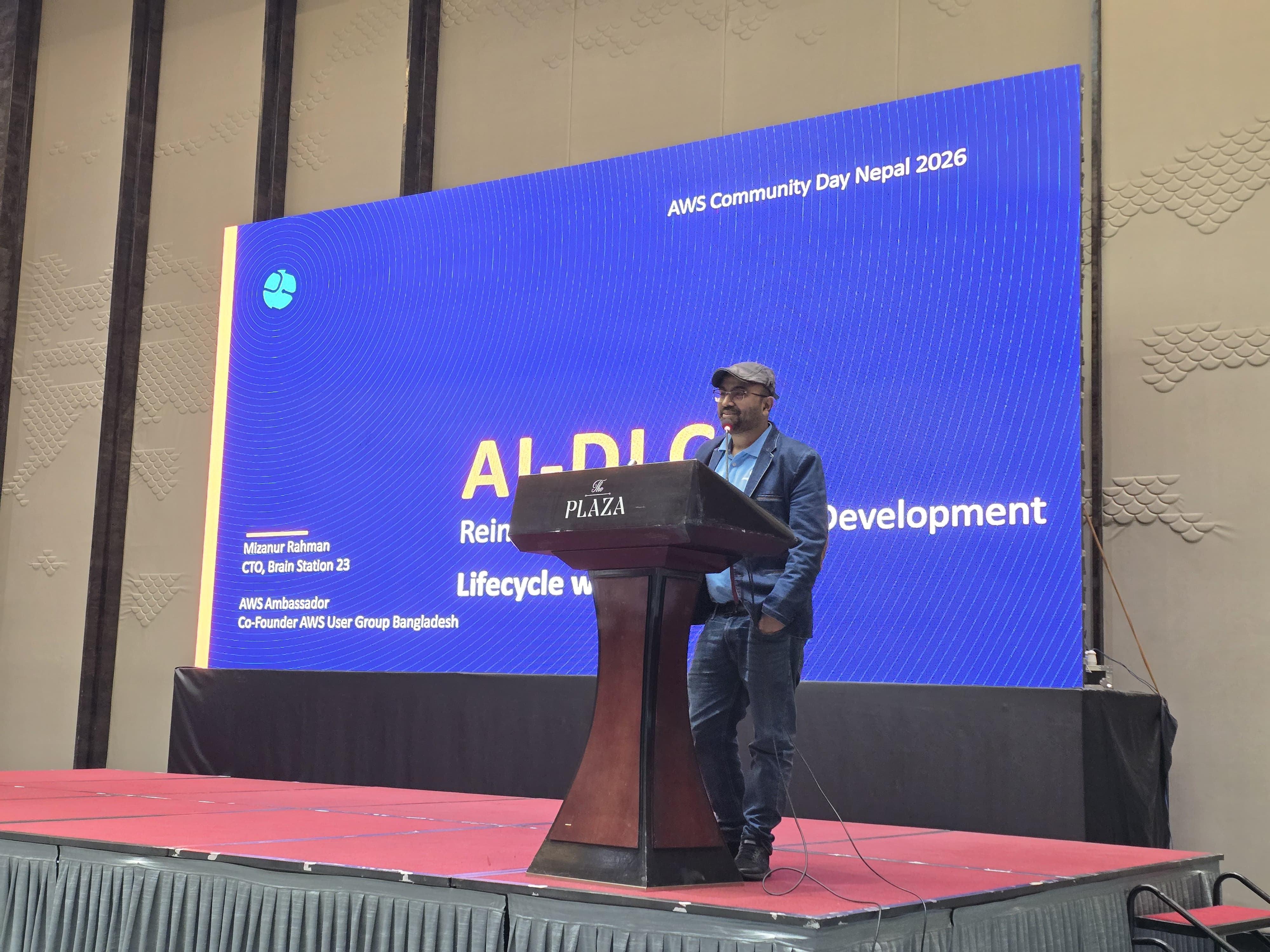
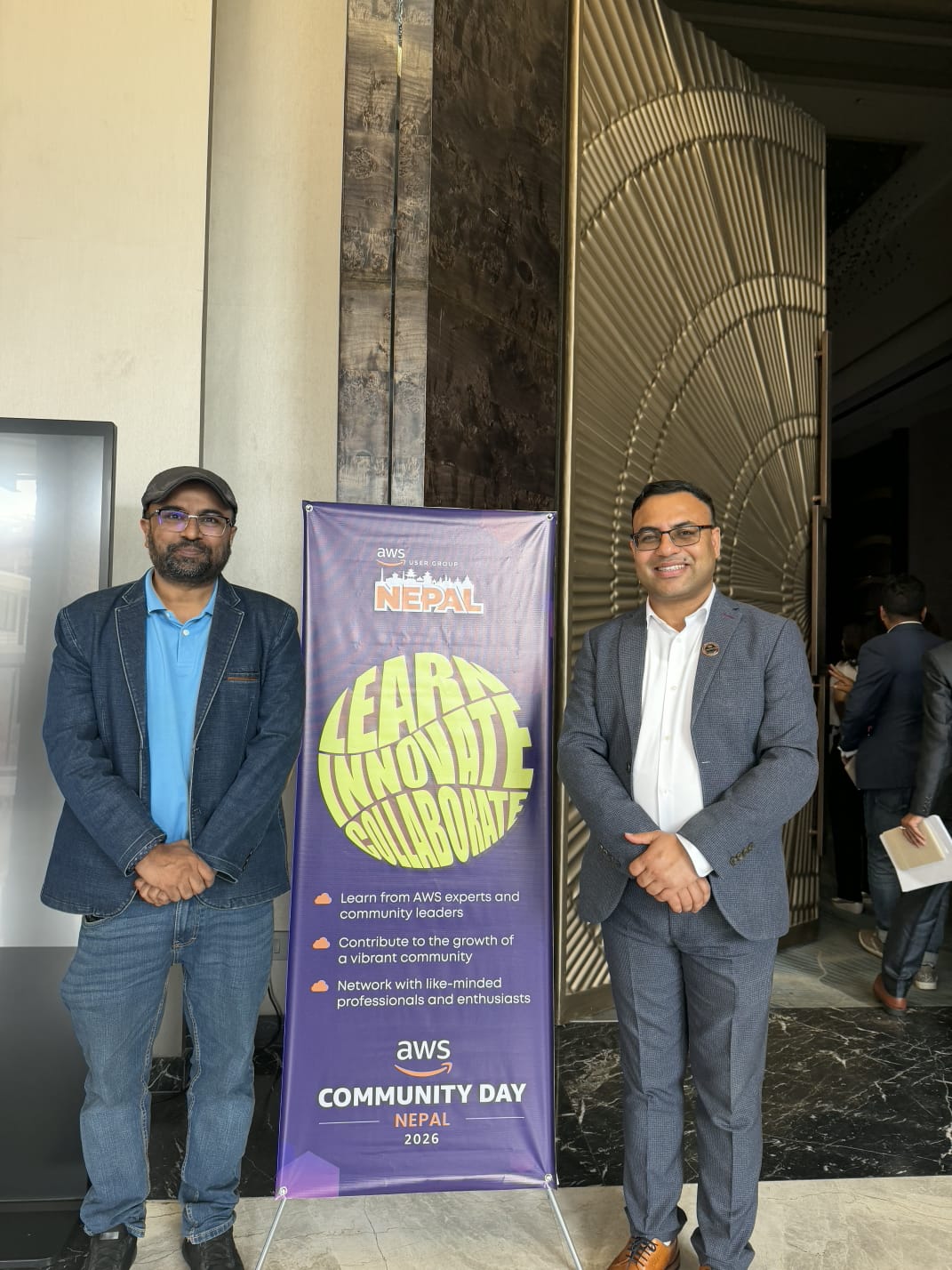
On 16 May 2026, I had the privilege of speaking at AWS Community Day Nepal 2026 on a topic that I believe will define the next major shift in software engineering: AI-DLC — Reimagining the Software Development Lifecycle with AI.
As an AWS Ambassador and someone deeply involved in software engineering, cloud adoption, and AI-first transformation, this session was especially meaningful to me. The goal was not just to talk about AI tools, but to discuss how AI can reshape the way we think, plan, build, validate, and operate software systems.
“AI-DLC is not about replacing developers. It is about replacing the repetitive, low-value parts of software development that were never the real point of engineering.”
AI-DLC positions AI as a central collaborator in the software development lifecycle, while humans continue to provide business context, validation, governance, and accountability.
Why AI-DLC Matters Now
Traditional SDLC and even many Agile practices were designed for a world where software delivery was fully human-driven. That world is changing rapidly.
Today, AI can help us generate plans, create artifacts, write code, prepare tests, summarize systems, and support operational workflows at a speed that was not possible before. But speed alone is not enough.
In the session, I highlighted some of the common challenges of traditional development approaches:
- Slow delivery cycles
- Context loss between phases and handoffs
- AI being used only for autocomplete instead of strategic collaboration
- Quality gaps caused by speed-versus-quality tradeoffs
This is where AI-DLC becomes important. It gives teams a structured way to use AI without losing control, quality, or governance.
From Vibe Coding to Governed AI-Driven Delivery
One of the important comparisons I shared was between three approaches to AI in development.
1. Vibe Coding
This is where developers freely prompt AI and iterate quickly. It is useful for fast prototyping, but it often lacks governance, traceability, and quality control.
2. Fully Automated AI
This approach imagines AI planning, coding, testing, and deploying end-to-end. While it promises maximum speed, it can introduce serious risks such as runaway behavior, low explainability, and poor alignment with business goals.
3. Human-in-the-Loop AI-DLC
This is the balanced approach. AI executes at high speed, but humans validate, guide, and approve at critical checkpoints.
For me, this is the most practical and responsible direction for real-world software teams.
“AI executes. Humans govern.”
That is the heart of AI-DLC.
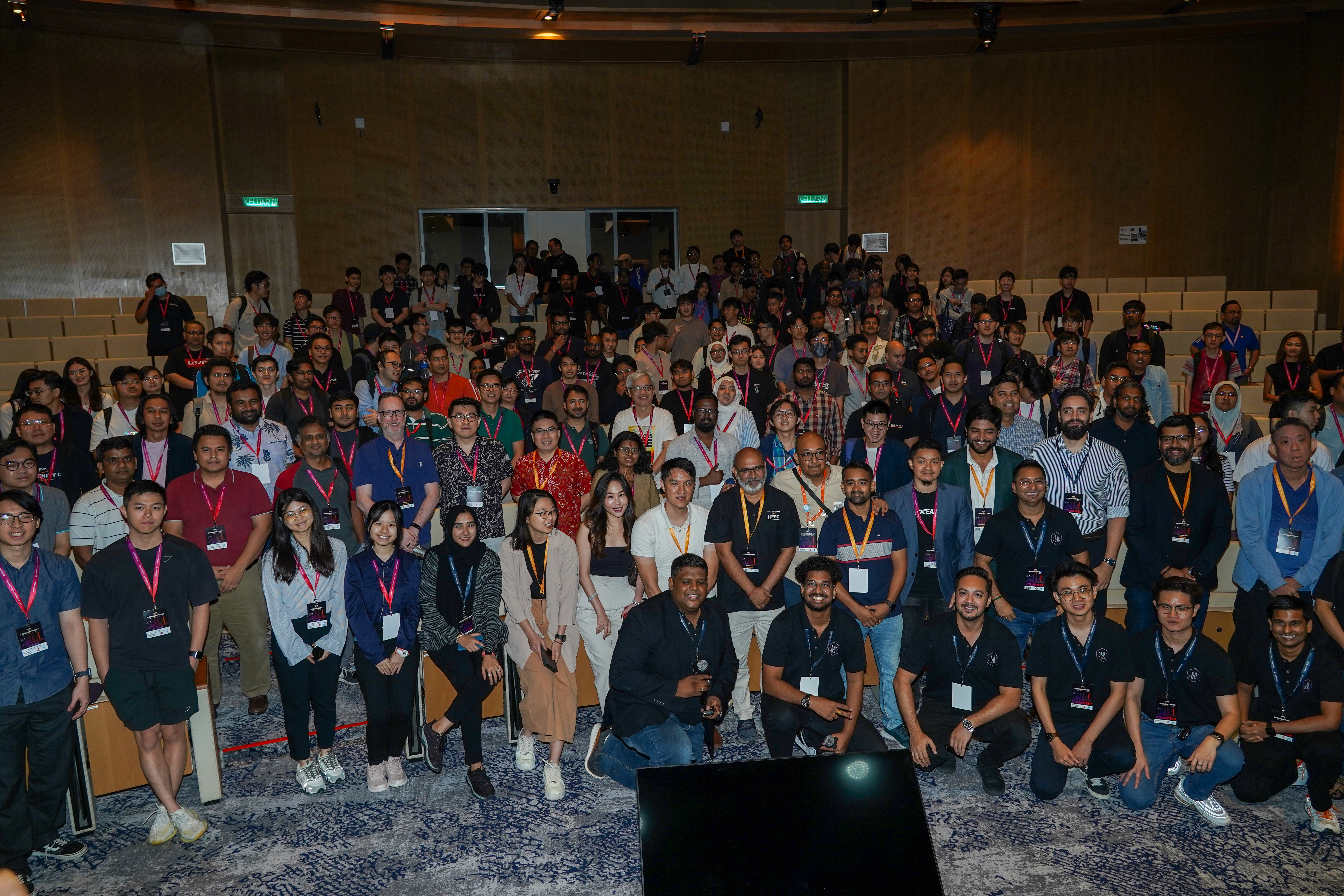
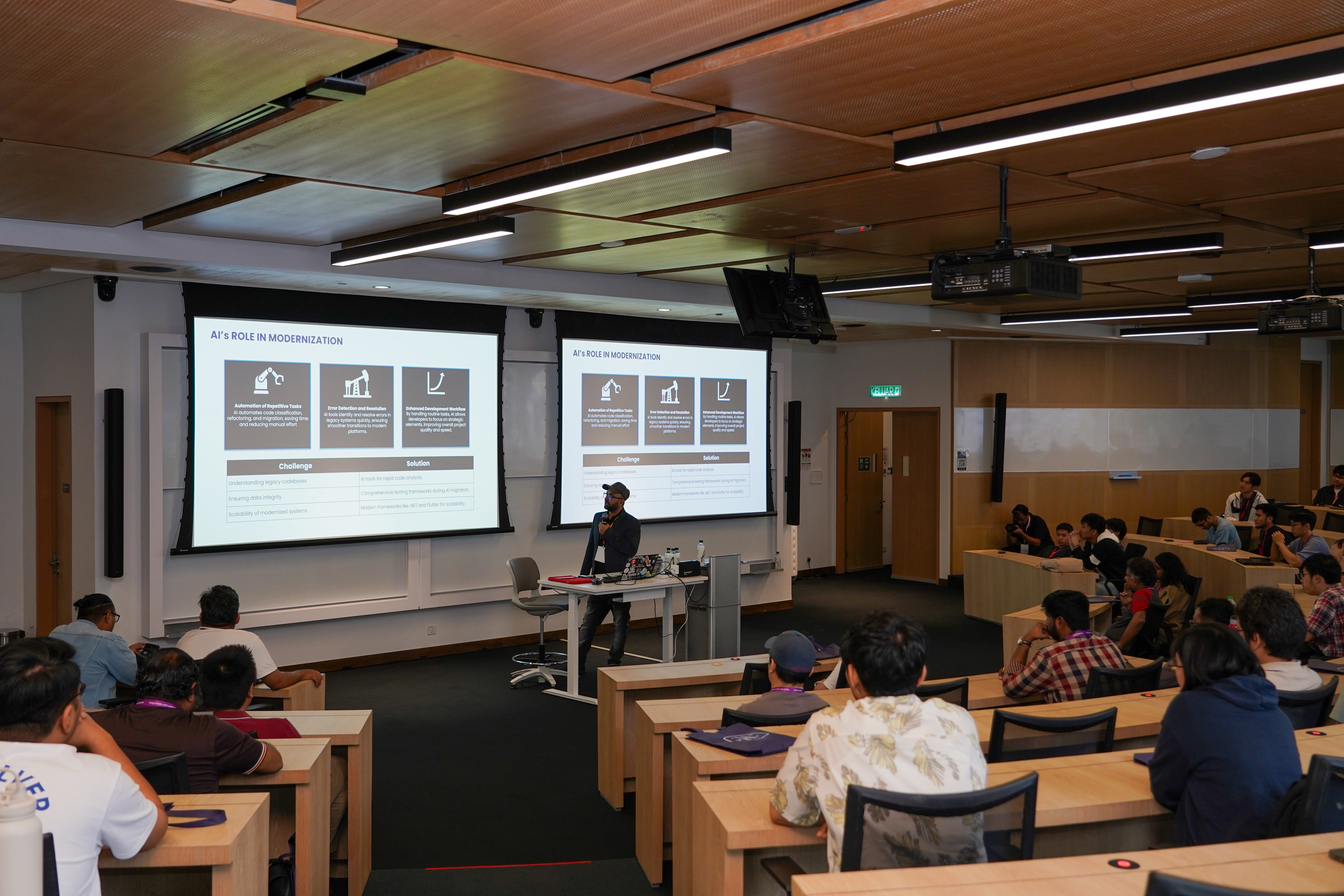
[Insert Image 2: Audience/session photo]
Caption: Discussing how human-in-the-loop AI can help teams move faster while maintaining engineering discipline.
What Is AI-DLC?
AI-DLC places AI at the center of the software development process — not merely as a coding assistant, but as a teammate that supports the entire lifecycle.
In the session, I explained AI-DLC through three key principles:
AI-Powered Execution
AI can create plans, generate artifacts, write code, produce test cases, and orchestrate workflows with significant speed.
Human Oversight
Humans validate assumptions, provide business context, review decisions, and approve progress at key gates.
Dynamic Collaboration
Instead of isolated handoffs, teams work with AI in collaborative rituals to clarify, build, validate, and improve continuously.
The key distinction is that AI-DLC is not a one-shot pipeline. It is a continuous loop.
The Continuous AI-DLC Loop
A major part of the session focused on the continuous loop of AI-DLC:
Plan → Clarify → Execute → Validate
AI creates a plan from the available context. It asks clarifying questions when the context is incomplete. It executes by generating code, tests, and supporting artifacts. Then developers, architects, product owners, or domain experts validate the output.
This cycle continues repeatedly.
Each loop improves the quality of context. Better context leads to better AI output. Better output leads to faster validation. Faster validation leads to faster delivery.
In AI-DLC, context becomes one of the most valuable engineering assets.
Bolts, Not Sprints
One of the concepts I emphasized was the shift from traditional sprints to bolts.
In traditional Agile, teams often work in two-to-six-week sprint cycles. In AI-DLC, many units of work can move in much shorter cycles — sometimes hours or days — because AI accelerates planning, implementation, testing, and documentation.
This does not mean skipping discipline. Rather, it means using AI to reduce unnecessary waiting time, reduce repetitive work, and move faster with stronger validation.
In the session, I shared how AI-DLC reimagines traditional delivery vocabulary:
- Sprints become Bolts
- Epics become Units of Work
- Stories become Intent
- Sprint planning and backlog refinement become Mob Elaboration
- Retrospectives become continuous feedback inside collaboration sessions
This shift is not just terminology. It reflects a new operating model for AI-assisted engineering.
Greenfield Projects: Spec Quality Drives AI Quality
For greenfield projects, I shared a structured inception flow:
Discovery → Definition → Design → Build → Ship
Before writing code, the team should prepare a strong AI-ready specification. This includes:
- Project brief
- Product Requirements Document
- Core user journeys
- Feature prioritization
- Success metrics
- Branding guidelines
- Design system
- Wireframes and user-flow diagrams
- Solution architecture
- Database design
- API design
- Frontend specification
- Testing strategy
- Observability plan
“Spec quality equals AI output quality. Under-specified input leads to under-delivered output.”
This is especially important for AI-first development. The better the context we provide, the better the AI can support us.
[Insert Image 3: Photo showing slide/demo/code screen]
Caption: Demonstrating how structured specifications can guide AI-assisted development more effectively.
Brownfield Projects: Lock Current Behavior Before Changing It
For brownfield or legacy systems, I shared a different approach.
AI can be powerful in legacy modernization, but it can also be risky if used without safeguards. Before asking AI to change legacy code, teams must first understand and protect existing behavior.
The brownfield flow I presented was:
Understand → Safeguard → Plan Change → Build → Ship
“Lock the current behavior before you change it.”
That means teams should first use AI to read and summarize the codebase, reverse-engineer specifications, map dependencies, document current architecture, and audit test coverage.
Then they should add regression or characterization tests before making changes.
Without this safety net, AI-generated changes can silently break existing behavior.
This is where responsible AI adoption becomes critical. AI should accelerate modernization, but not at the cost of stability, security, or business continuity.
Human Validation Is the Core of AI-DLC
A recurring theme in my session was human validation.
AI-DLC does not remove the need for engineering judgment. In fact, it makes judgment even more important.
Humans are needed to validate:
- Business intent
- Requirement completeness
- Architecture decisions
- Security implications
- Data privacy risks
- Testing coverage
- Operational readiness
- User experience
- Production readiness
AI can generate. AI can suggest. AI can accelerate. But humans must remain accountable.
That is why I believe the future of software engineering is not “AI instead of developers.” It is AI-augmented teams with stronger engineering discipline.
Key Takeaways from the Session
1. AI Adoption Compounds
The productivity gap between AI-enabled teams and traditional teams will continue to grow. Organizations need a clear method to harness AI effectively.
2. AI-DLC Means Human-in-the-Loop
AI should execute, but humans should govern. This is the safest and most practical path for real-world software delivery.
3. Bolts Replace Sprints
AI allows iteration cycles to move from weeks to hours or days, but only when supported by proper context and validation.
4. Context Is Everything
The quality of AI output depends heavily on the quality of context, including specifications, architecture, rules, memory, and validation criteria.
5. Use the Right Tools
Rule files, skills, MCP, subagents, AI IDEs, and workflow frameworks all serve different purposes. Teams need to understand when and how to use them.
Why This Matters for Brain Station 23
At Brain Station 23, we are actively working toward becoming an AI-first software services organization. For us, AI-DLC is not just a presentation topic. It is part of a broader transformation in how we design, build, modernize, and operate software systems for clients.
We see strong potential for AI-DLC in areas such as:
- Legacy modernization
- Cloud-native application development
- AI-assisted QA and test automation
- Secure software delivery
- Product prototyping
- Internal engineering productivity
- Managed services and continuous improvement
As software delivery models evolve, companies that can combine AI speed, engineering discipline, cloud-native architecture, and human governance will have a major advantage.
Gratitude to AWS Community Day Nepal
I am grateful to the organizers of AWS Community Day Nepal 2026 for creating such a meaningful platform for the cloud and developer community.
Community events like this are powerful because they bring together builders, practitioners, leaders, and learners. They create space for practical knowledge sharing, honest discussion, and regional collaboration.
As an AWS Ambassador, I always find it inspiring to contribute to these community-led initiatives and learn from fellow builders across countries.
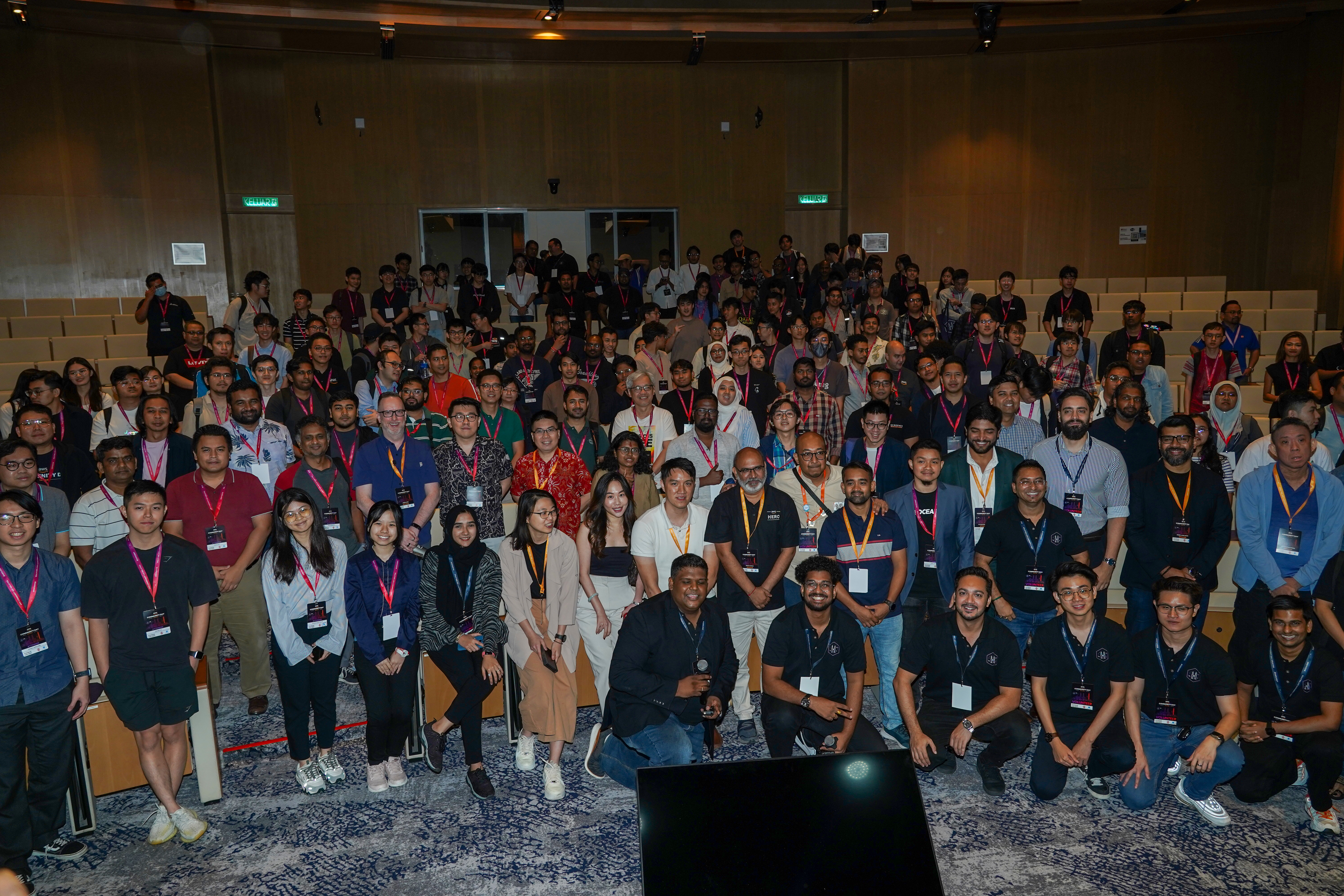
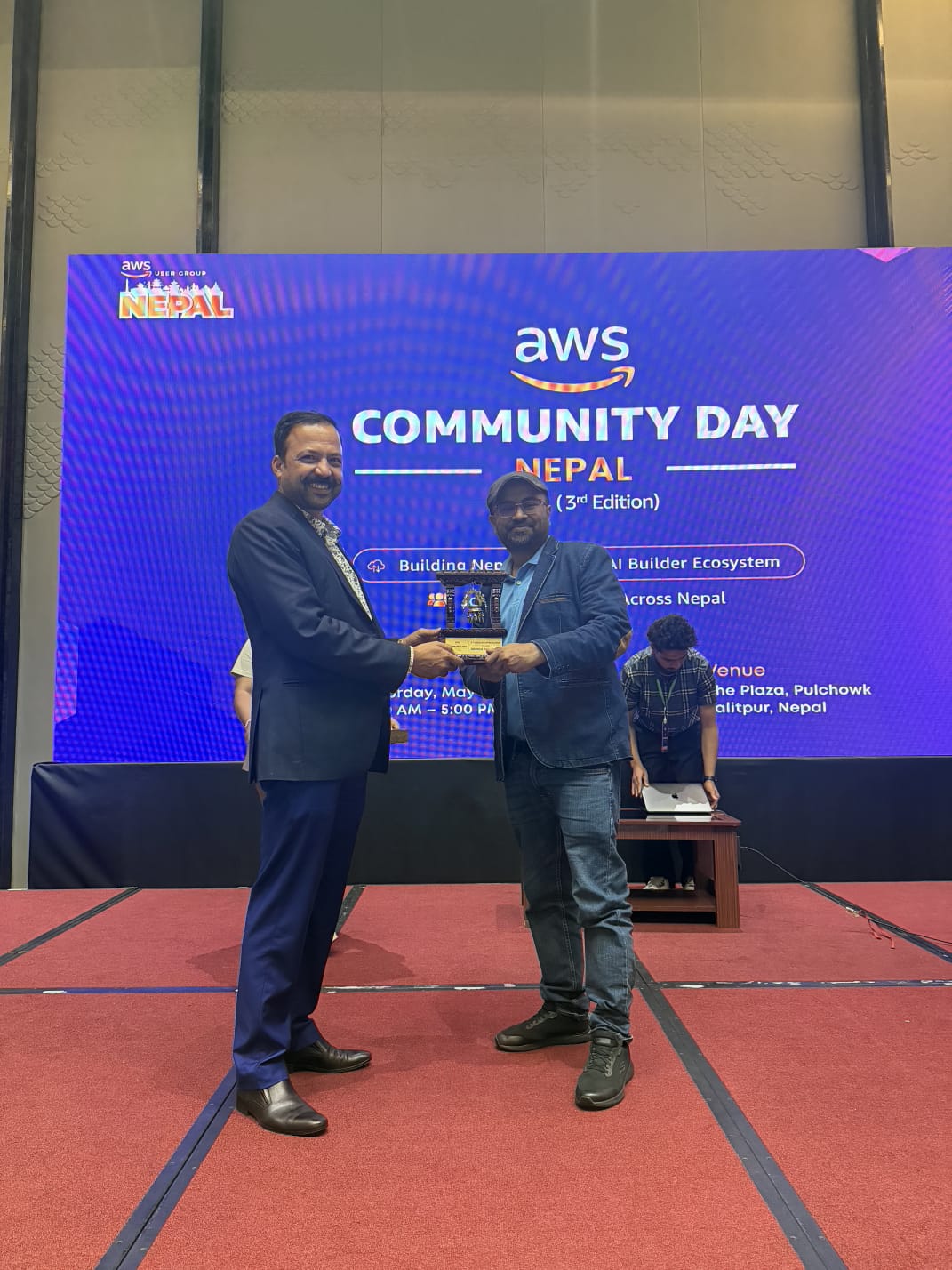
[Insert Image 4: Group photo or organizer photo]
Caption: Grateful to the AWS Community Day Nepal 2026 organizers and community for the opportunity to share and learn together.
Closing Thought
AI-DLC is still evolving, but one thing is clear: software development will not remain the same.
The teams that succeed will not be the ones that simply use AI tools randomly. The successful teams will be the ones that create a structured, governed, and context-rich development lifecycle around AI.
AI-DLC gives us a practical direction for that future.
It helps us move faster, but not blindly.
It helps us automate, but not without accountability.
It helps us modernize, but with safeguards.
It helps us reimagine software delivery while keeping humans at the center of judgment and responsibility.
“AI-DLC is not replacing developers. It is replacing the parts of the job that were never the point.”
Securing AI-Driven Software Development on AWS
The AI revolution in software engineering is no longer a future-state conversation — it is the present. Engineering teams are building with foundation models through Amazon Bedrock, training custom models on SageMaker, and shipping code with AI agents like Kiro and Amazon Q Developer (formerly CodeWhisperer). The velocity gains are extraordinary.
But here is the uncomfortable truth that keeps me up at night: every AI capability we introduce is also a new attack surface. The same models that accelerate our developers can leak proprietary data, amplify prompt injection attacks, or ship insecure code that sails past traditional static analysis. And the threat landscape is evolving faster than most security teams can adapt.
This post is the security blueprint I wish I had when we started scaling AI-driven development. It covers the real threats, the AWS services that address them, and the architectural patterns that have worked in production.
91%
of SageMaker users have root access enabled on at least one notebook
70%
of cloud AI workloads contain unresolved vulnerabilities
36×
year-over-year surge in AI/ML tool usage across enterprises
85%
more harmful content blocked by Bedrock Guardrails over base models
The New Threat Landscape: Why Traditional Security Falls Short
Traditional application security was designed for deterministic systems — code that does the same thing every time. AI-driven applications are fundamentally different. They are probabilistic, context-dependent, and often opaque. This means our existing security playbook needs significant extension, not just minor adjustments.
When your engineering team uses Amazon Bedrock to build a GenAI application, or trains a custom model on SageMaker, or delegates coding tasks to Kiro’s autonomous agents, you are introducing categories of risk that did not exist two years ago.
🛡️ The AI Security Threat Map
Six critical threat vectors unique to AI-driven software development
💉
Prompt Injection
Adversarial inputs that manipulate LLM behavior, bypass safety controls, or extract system prompts.
Critical
🧪
Training Data Poisoning
Corrupted datasets that skew model outputs, introduce backdoors, or compromise predictions.
Critical
🔓
Model Exfiltration
Unauthorized access to proprietary model weights, fine-tuning data, or inference endpoints.
High
👻
Shadow AI Sprawl
Ungoverned AI tool adoption by developers, bypassing security policies and creating invisible data flows.
High
🤖
Agentic Code Drift
AI agents generating insecure patterns, hardcoded secrets, or overly permissive IAM policies at scale.
High
📊
PII Leakage in RAG
RAG pipelines inadvertently surfacing sensitive personal data from connected knowledge bases.
Medium
The 2025 Tenable Cloud AI Risk Report found that 91% of organizations using SageMaker have root access enabled on at least one notebook instance, and 14% of Bedrock users have training buckets without public access blocks. These are not theoretical vulnerabilities — they are default configurations shipping in production right now.
AWS Shared Responsibility for AI: What Is Actually Your Problem
AWS’s Shared Responsibility Model extends to AI workloads, but the boundaries are nuanced enough that even experienced teams misunderstand them. AWS secures the infrastructure — the GPU clusters running your training jobs, the isolated Model Deployment Accounts for Bedrock, and the encrypted storage layers. Model providers never see your data or your logs.
But everything above that — IAM policies on your Bedrock invocations, VPC isolation of SageMaker notebooks, guardrail configurations, prompt engineering safety, and the security posture of code generated by AI agents — that is squarely on you.
“AWS secures the infrastructure. You secure the intelligence. The gap between the two is where breaches happen.”
🏗️ The 5-Layer AI Security Stack on AWS
A defense-in-depth model for AI-driven development workloads
Layer 01 · Application Security
Prompt & Output Guardrails
Content filtering, PII redaction, hallucination prevention, and input sanitization at the application edge
Bedrock Guardrails
Automated Reasoning
WAF
Layer 02 · Code & Pipeline Security
AI-Assisted Secure Development
Real-time code scanning, vulnerability detection in AI-generated code, and security automation in CI/CD
Amazon Q Developer
CodeGuru Security
Inspector
Kiro Security Agent
Layer 03 · Identity & Access
Least-Privilege AI Governance
Fine-grained IAM policies for model invocation, training, and data access with separation of duties
IAM
STS
Organizations
SSO
Layer 04 · Data & Model Protection
Encryption, Isolation & Lineage
End-to-end encryption, VPC isolation, model artifact integrity, and training data governance
KMS
PrivateLink
Macie
S3 Block Public Access
Layer 05 · Observability & Compliance
Audit, Monitor & Respond
Comprehensive logging of model invocations, drift detection, compliance reporting, and incident response
CloudTrail
CloudWatch
Security Hub
GuardDuty
Securing Amazon Bedrock: Your GenAI Foundation
Amazon Bedrock is where most organizations begin their GenAI journey, and getting the security posture right here has cascading effects downstream. The good news is that Bedrock provides strong isolation by default — model providers have zero access to your data, logs, or invocations. Your data is never used to train base models. Every API call is encrypted with TLS in transit and AES-256 at rest.
But the real security work starts with what you configure on top of that foundation.
Bedrock Guardrails: Your First Line of Defense
Bedrock Guardrails is arguably the most important security feature for any production GenAI application. It delivers multi-modal toxicity detection that blocks up to 88% of harmful content, automatic PII detection and redaction, and the industry-first Automated Reasoning checks that catch hallucinations with up to 99% accuracy using mathematical verification.
These are not optional extras. For any customer-facing AI application, Guardrails should be treated as a baseline security control — on par with WAF rules for your web tier.
Network Isolation with PrivateLink
For regulated workloads (and frankly, for any production deployment), route Bedrock traffic through AWS PrivateLink via VPC endpoints. This eliminates the public internet from your AI inference path entirely. Combine this with VPC security groups and network ACLs to create an air-gapped AI pipeline that would satisfy even the most demanding compliance auditors.
The Responses API: Server-Side Tool Security
As of early 2026, Bedrock’s Responses API supports server-side tool use — meaning agents can execute web searches, run code, and perform database operations within AWS security boundaries rather than requiring data to leave your environment. This is a significant architectural improvement for agent-based workloads. Pair this with the new 1-hour prompt caching TTL to reduce both cost and attack surface for long-running conversations.
Locking Down SageMaker: ML Pipelines That Don’t Leak
SageMaker is where your proprietary models live — and where the stakes for misconfiguration are highest. The Tenable report’s finding that 91% of organizations have root-access notebooks is a wake-up call, not a statistic to normalize.
✅ SageMaker Security Hardening Checklist
✓
Disable root access on every SageMaker notebook instance. Create scoped-down IAM roles per notebook with only the permissions needed for specific tasks.
✓
Deploy all SageMaker resources inside a VPC with private subnets. Use VPC endpoints for S3, KMS, and ECR to keep model artifacts off the public internet.
✓
Encrypt everything with customer-managed KMS keys — training data in S3, model artifacts, and EBS volumes attached to training instances.
✓
Enable SageMaker Model Cards with bias metrics. Integrate with SageMaker Clarify for automated bias detection across demographic groups.
✓
Use SageMaker Unified Studio with PrivateLink (newly GA) for private VPC connectivity — no training data or model inference should traverse the public internet.
✓
Set CloudWatch alarms on anomalous training job durations and unexpected endpoint latency spikes — both can indicate compromised pipelines.
Amazon Kiro & AI Coding Agents: Speed Without Recklessness
This is where the conversation gets genuinely interesting — and genuinely complex. Amazon Kiro, now generally available, represents a new category: the autonomous AI coding agent. At re:Invent 2025, AWS demonstrated Kiro completing multi-day development tasks independently, with Amazon itself reporting that six developers using Kiro accomplished in 76 days what previously required 30 developers and 18 months.
But autonomous coding agents introduce a fundamentally new security question: how do you govern code you did not write, review, or even witness being created?
⚡ Kiro’s Built-In Security Architecture
Four security patterns engineering leaders should understand and enforce
📋 Spec-Driven Development
Kiro generates specs (requirements, design docs, task lists) before writing code — creating an auditable trail of intent vs. implementation.
🔒 Sandboxed Execution
Each agent task runs in a sandbox with user-defined permissions. Three network tiers: Integration Only, Common Dependencies, or Open Internet.
👁️ PR-Based Review Gates
Kiro creates pull requests for human review and never merges to sensitive branches without developer oversight. Full work logs maintained.
🛡️ AWS Security Agent
A companion agent that independently identifies security issues as code is written, tests after changes, and suggests automated fixes.
Pair Kiro with Steering Files — project-level configuration files that define coding standards, security policies, and preferred workflows. These files act as persistent instructions that prevent the AI agent from drifting into insecure patterns, even during long autonomous sessions.
Amazon Q Developer: Shifting Security Left with AI
Amazon CodeWhisperer has evolved into Amazon Q Developer, and its security scanning capabilities have matured significantly. The built-in scanner, powered by CodeGuru Security, flags hardcoded credentials, SQL injection vulnerabilities, weak cryptographic patterns, and overly permissive IAM policies in real time as developers type.
For teams operating in regulated environments, Q Developer Pro includes IP indemnity and reference tracking — critical for knowing whether AI-generated code mirrors open-source training data with restrictive licenses. The reference tracker flags suggestions that resemble specific repositories and provides license information before the code enters your codebase.
🔄 The Secure AI Development Pipeline
How security checkpoints integrate across the AI-assisted development lifecycle
📝
Spec & Design
Kiro generates specs from requirements. Threat modeling in design docs.
→
⌨️
AI-Assisted Code
Q Developer real-time scanning. Kiro follows steering files.
→
🔍
Automated Review
Security Agent scans. CodeGuru detects OWASP violations.
→
🧪
Test & Validate
DevOps Agent tests compat. Inspector scans Lambdas.
→
🚀
Deploy & Monitor
CloudTrail + Security Hub + GuardDuty runtime watch.
AWS AI Security Services: Quick Reference
Here is a practical mapping of which AWS service addresses which security concern across the AI development lifecycle:
The Technology Professional Action Plan: What to Do every week
First, audit your defaults. Check every SageMaker notebook for root access. Review every Bedrock training bucket for public access blocks. These are not edge cases — they are the most common misconfigurations in production AI deployments today.
Second, deploy Bedrock Guardrails before going to production. Not after your first incident. Not in your “next sprint.” Before any GenAI application touches real users. Configure content filters, enable PII redaction, and activate Automated Reasoning checks. This is your seatbelt.
Third, standardize your AI coding agent policies. If your team is using Kiro, enforce Steering Files that embed your security standards. Protect sensitive branches. Set sandbox permissions to the minimum viable network tier. Review the work logs — not every line of code, but the patterns, the IAM policies, and the infrastructure decisions.
Fourth, instrument everything. Enable CloudTrail logging for all Bedrock and SageMaker API calls. Feed findings into Security Hub. Set CloudWatch alarms on anomalous patterns. You cannot secure what you cannot see.
Fifth, treat AI security as a first-class engineering discipline. This is not an addendum to your existing security program. It requires dedicated ownership, new runbooks, and continuous education. The threat landscape is evolving monthly — your security posture must evolve with it.
Security Is the Foundation of AI Innovation
The organizations that will lead in AI-driven development are not those that move the fastest — they are those that move the fastest without breaking trust. Build your security architecture now, and your AI capabilities will compound safely for years to come.
AI-Driven Development Life Cycle (AI-DLC)
The software industry stands at an inflection point. After nearly two decades of leading technology teams, I have witnessed numerous paradigm shifts—from waterfall to agile, monoliths to microservices, on-premise to cloud-native. Yet none of these transformations carry the magnitude of what artificial intelligence is bringing to software development today.
For years, we treated AI as a helpful assistant—a sophisticated autocomplete that could suggest a few lines of code or generate boilerplate. That era is ending. We are entering the age of AI-driven development, where artificial intelligence becomes a central collaborator in the entire software development lifecycle, not merely a tool that fills in the blanks.
📈 The Evolution of AI in Development
🔧
Past
AI-Assisted
Autocomplete, code suggestions, basic documentation
⚡
Present
AI-Augmented
Code generation, intelligent editing, context-aware suggestions
🚀
Future
AI-Driven
Full lifecycle collaboration, autonomous execution with human oversight
The Limitations of AI-Assisted Development
The first wave of AI in development gave us tools like GitHub Copilot, which felt revolutionary when it launched. Developers experienced that satisfying moment when the AI seemed to read their minds, completing code exactly as intended. There is an almost intimate feeling when AI gets you right—and friction when it does not.
However, simply bolting AI onto existing workflows constrains its potential. When we retrofit AI as an assistant into processes designed for human-driven, long-running cycles, we reinforce outdated inefficiencies. Product owners, developers, and architects continue spending most of their time on non-core activities: planning meetings, estimation rituals, documentation overhead. The AI assists, but the fundamental approach remains unchanged.
💡 Key Insight
Many organizations have adopted Copilot or similar tools, seen modest productivity gains, and assumed they have embraced AI-driven development. They have not. They have merely automated fragments of a process still fundamentally designed for a pre-AI world.
Reimagining the Software Development Lifecycle
True transformation requires positioning AI as a central teammate rather than a peripheral helper. This is the premise behind the AI-Driven Development Lifecycle (AI-DLC), a methodology that fundamentally reimagines how software gets built.
The approach rests on two powerful dimensions:
🤖 AI-Powered Execution
AI systematically creates detailed work plans, actively seeks clarification and guidance, and defers critical decisions to humans who possess the contextual understanding of business requirements.
👥 Dynamic Team Collaboration
As AI handles routine tasks, teams unite in collaborative spaces for real-time problem solving, creative thinking, and rapid decision-making that accelerates innovation.
🔄 The AI-DLC Mental Model
📋
Step 1
AI Creates Plan
→
❓
Step 2
AI Seeks Clarity
→
👥
Step 3
Humans Decide
→
⚙️
Step 4
AI Implements
This pattern repeats rapidly for every SDLC activity
Three Phases of AI-Driven Development
The practical implementation flows through three interconnected phases, each building context for the next.
🎯
Inception
Mob Elaboration
- Business intent → Requirements
- User stories & work units
- Real-time team validation
- AI surfaces ambiguities instantly
⏱️ Timeline:
Hours instead of Weeks
Hours instead of Weeks
🏗️
Construction
Mob Construction
- Logical architecture design
- Domain models & code generation
- Comprehensive test suites
- Team validates & steers direction
⏱️ Timeline:
Days instead of Sprints
Days instead of Sprints
🚀
Operations
Continuous Oversight
- Infrastructure as code
- Automated deployments
- Leverages accumulated context
- Continuous team oversight
⏱️ Timeline:
Continuous Delivery
Continuous Delivery
💡 Context Accumulation
Each phase enriches the context available to AI, enabling increasingly informed suggestions. The AI maintains persistent context by storing plans, requirements, and design artifacts in the project repository.
The Evolving Role of Developers
Perhaps the most profound implication concerns what it means to be a software developer in this new paradigm. AI will not replace programmers, but it will fundamentally transform what programmers do.
❌ Traditional Focus
- Line-by-line coding
- Syntax & boilerplate
- Manual repetitive tasks
- Isolated work patterns
✓ AI-Driven Focus
- Strategic thinking & design
- Intent & iteration
- AI orchestration
- Collaborative problem-solving
Deep technical expertise becomes more valuable, not less, because someone must guide the AI, verify its output, debug complex issues, and make the judgment calls that require genuine understanding. The developers who thrive will be those who master both the craft of software engineering and the art of collaborating with AI systems.
Our AI Toolkit at Brain Station 23
At Brain Station 23, we have been actively integrating AI across our development workflows. Our teams work with a combination of powerful tools:
🔶
Amazon Q
Enterprise AI Assistant
⭐ Featured⚡
Kiro
Custom AI Workflows
⭐ Featured🤖
Claude
Complex Reasoning
✨
Cursor
AI-Native Editor
🚁
Copilot
Inline Suggestions
🔶 Why Amazon Q Developer?
▸
Comprehensive lifecycle support
▸
Deep AWS service integration
▸
Organization-specific context
▸
Security scanning & optimization
▸
Project rules for standards
▸
Enterprise-grade reliability
We have also been exploring Kiro, which enables custom AI workflows tailored to specific development needs. The ability to steer AI behavior through configurable workflows means we can encode our best practices directly into the AI collaboration model.
Key Benefits
⚡
Velocity
Weeks → Hours
✓
Quality
Consistent Standards
💡
Innovation
More Time to Create
😊
Experience
Developer Satisfaction
Practical Recommendations for Adoption
For organizations beginning this journey, these principles guide successful adoption:
01
Start with Mindset
AI-driven development is about reimagining how software gets built, not just finding better autocomplete. This requires leadership buy-in.
02
Invest in Context
Build infrastructure to provide rich context: documentation, coding guidelines, architectural decision records, and accumulated project knowledge.
03
Embrace Collaboration
Synchronous, high-bandwidth collaboration dramatically accelerates decision-making and alignment across teams.
04
Maintain Human Oversight
The goal is AI-powered execution with humans making critical decisions, validating outputs, and steering direction.
05
Measure What Matters
Look beyond lines of code to cycle time, defect rates, time-to-market, and developer satisfaction.
Looking Forward
The software industry is entering a period of profound transformation. Organizations that successfully integrate AI as a central collaborator—not merely an assistant—will achieve sustained competitive advantage through velocity, quality, and innovation.
This is not about replacing human creativity and judgment. It is about amplifying them. The best software will be built by teams that master the collaboration between human insight and AI capability, that understand when to defer to the machine and when to assert human expertise.