Brain Station 23 is the only solution partner of Moodle in Bangladesh. We have been working with both local and global clients in development and consultancy capacity.
AWS User Group Bangladesh (https://www.facebook.com/groups/AWSBangladesh) was created in both Facebook and LinkedIn to have a strong community of AWS enthusiast. It was established more than 5 years ago and new members are joining to support each other. I am the co-founder of this group and community leader. We have a vision to play a key role in adopting cloud over here. We have been arranging lots of workshop, seminar all these years. Before pandemic, it was all physical event, now we are more into virtual event considering the participants safety. We are continuously contributing in solving different problems by the community members to strengthen the cloud adaptation.
AWS Community Day South Asia 2021 (https://communityday.awsug.asia/) happened in last October where both speakers and audiences from Bangladesh, India and Srilanka participated. I was the only Bangladeshi participated as speaker in this event.
My topic of the session was “Cutting an eCommerce application cloud costing by 70%“. Amazing speakers were sharing their knowledge which were really helpful.
We, Brain Station 23 have participated in AWS Partner GameDay 2022 on 20th May 2022 for the first time. I was one of the members of the team. Brain Station 23 secured the 19th position amongst 76 teams; the only #Bangladeshi team got the invitation to participate on such an energetic event with different gigantic cloud teams like Infosys, Deloitte, Capgemini, Rapyder. It was a great opportunity to compete, learn & hone our skills at this #AWS event.
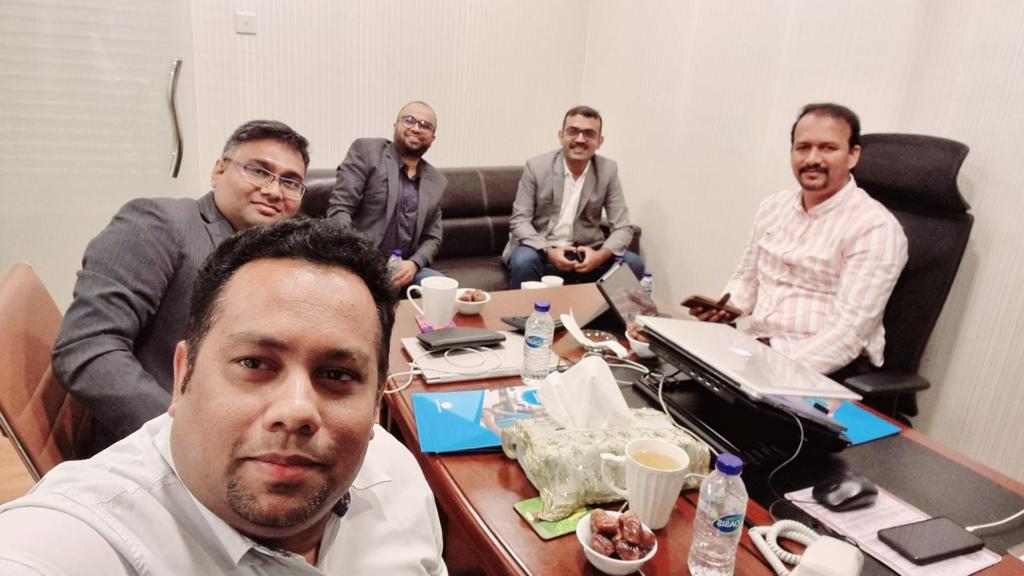
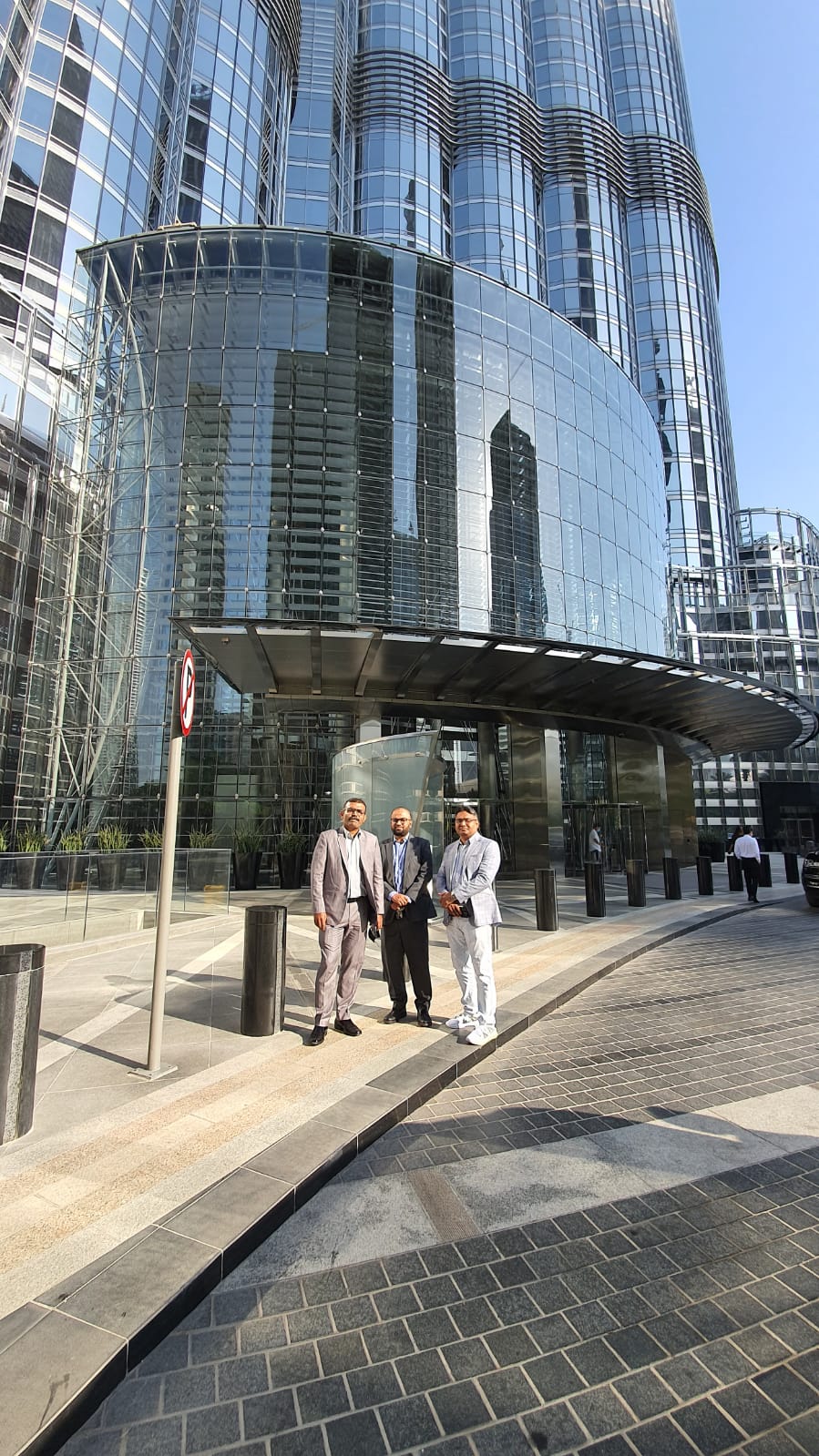
We have recently visited Dubai to have strong presence over there. Since Dubai is the hub of global major multinational companies, we see good traction of our service offerings. We had a very good discussion with local partner and met with different concerns who are interested to support us in expanding our services strongly over there. I have shared few of the snaps during our visit over there.
I have recently gone through the attached document related to security baseline. From my experience, I felt that it is really important to follow those, kind of must. It is an AWS prescriptive guidance shared below. I would highly recommend to follow all the points.
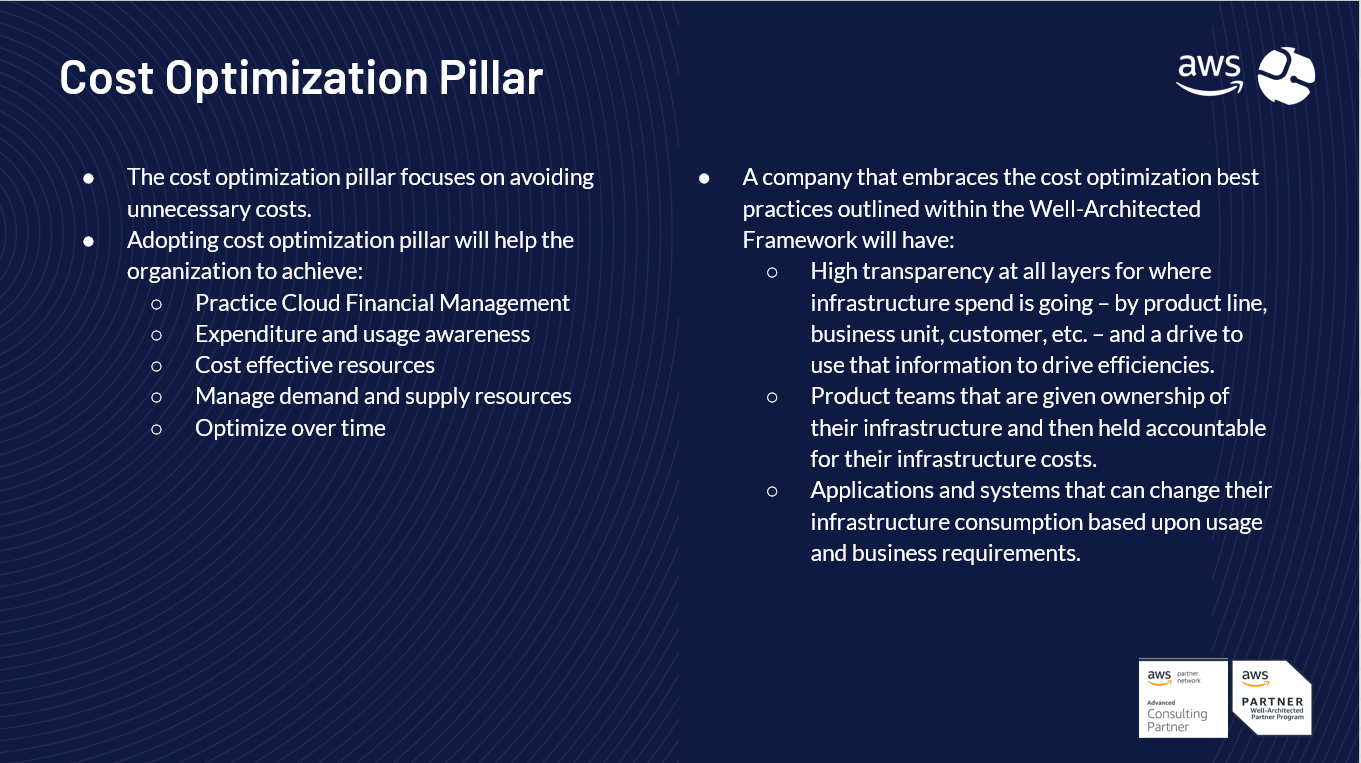
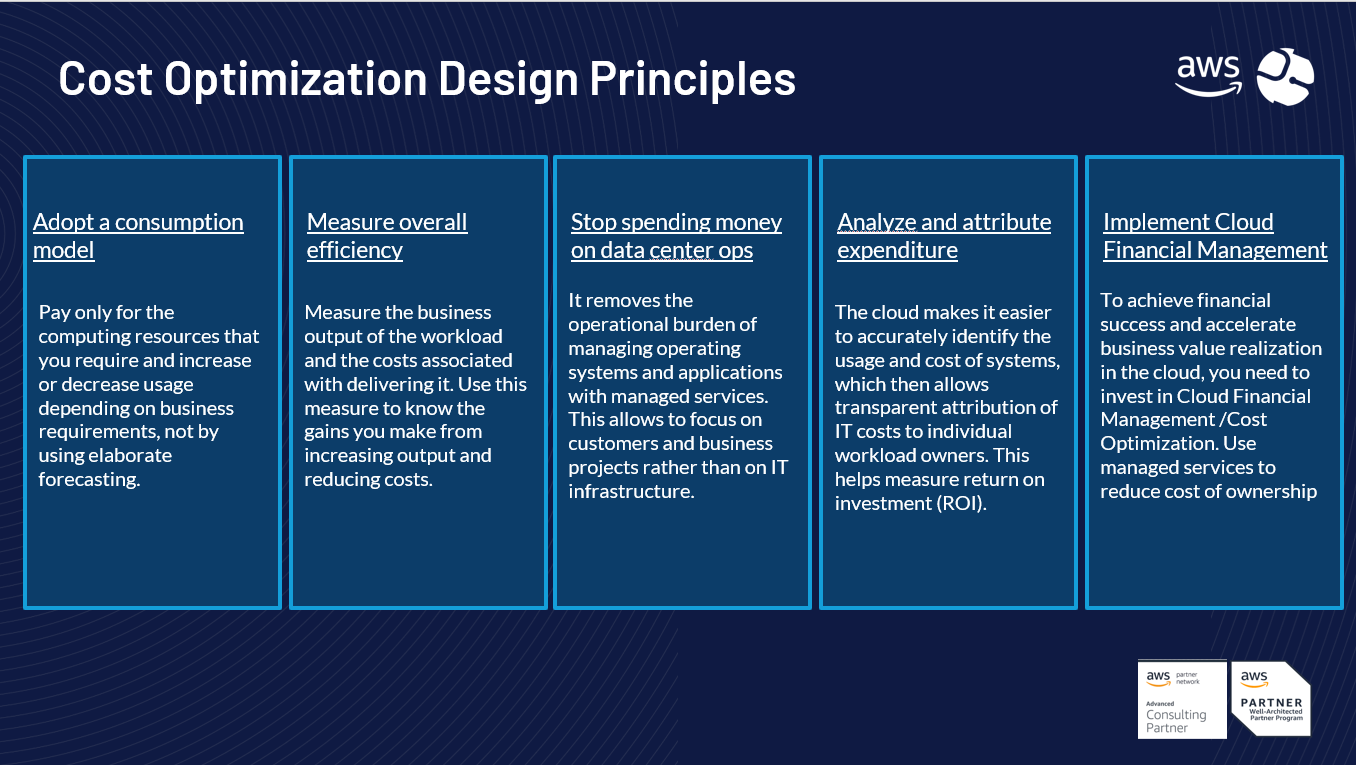
Brain Station has been Well Architected confirmed partner which is helping our client to follow the most recommended architecture according to 6 pillars. To have the awareness about it to the potential audience, Brain Station 23 organized a webinar on how AWS well architected framework can help in cost optimization. Different slides are given below:
Telco is a highly regulated industry in Bangladesh. The solution mentioned was for a major telco in Bangladesh. We were in process to migrate a number of on-premise workload to AWS cloud. One of the compliances from their end was not to connect to the internet directly from their infrastructure rather through a third part ISP which includes high availability. The solution got successfully deployed and working fine for more than 4 months without any downtime. As it is a common ask from many enterprises, this architecture would be helpful to be followed by others.
To comply with the company, we had to implement site-2-site VPN for one of the telco companies in Bangladesh. Here one of the constraints is there needs to have a 3rd party provider between AWS and client infrastructure along with fault tolerant. Considering the scope, we came up with the following architecture which might be helpful for others.
We worked on a fintech application recently to receive the remittance from foreign countries people by one of the top banks in Bangladesh.
Since the solution is in on-premise capacity, the shared architecture was proposed in migrating to AWS cloud. Having the solution on-premise was a major challenge to be accessible in global capacity. Cloud migration will be helping them to resolve that bottleneck and be global with following fintech compliance in a short time.
We wanted to make sure that the architecture of the infrastructure is aligned with the compliance.
I have shared the overall AWS architecture below:
I have shared about few relevant services below:Security in AWS Cloud
Considering the City Bank remittance application to be a public internet facing application, we recommend the following security guiding principles to be applied :
•Security groups: Security groups act as a firewall for associated Amazon EC2 instances, controlling both inbound and outbound traffic at the instance level. When you launch an instance, you can associate it with one or more security groups that you’ve created. Each instance in your VPC could belong to a different set of security groups. If you don’t specify a security group when you launch an instance, the instance is automatically associated with the default security group for the VPC. For more information, see Security groups for your VPC. •Network access control lists (ACLs): Network ACLs act as a firewall for associated subnets, controlling both inbound and outbound traffic at the subnet level. For more information, see Network ACLs. •VPC Flow logs: Flow logs capture information about the IP traffic going to and from network interfaces in your VPC. You can create a flow log for a VPC, subnet, or individual network interface. Flow log data is published to CloudWatch Logs or Amazon S3, and it can help you diagnose overly restrictive or overly permissive security group and network ACL rules. For more information, see VPC Flow Logs. •Traffic mirroring: You can copy network traffic from an elastic network interface of an Amazon EC2 instance. You can then send the traffic to out-of-band security and monitoring appliances. For more information, see the Traffic Mirroring Guide. •Next Generation Firewall(NGFW) – Fortinet Fortigate VM •AWS IAM – Identity and Access Management with granular access control policies and RBAC •Amazon GuardDuty – Machine Learning based Threat Detection service based on VPC Flow Logs, DNS Logs
Fortinet FortiGate Next-Generation Firewall features
Application Control Web Filtering FortiCloud Sandbox Antivirus Intrusion Prevention Virus Outbreak Protection Service Content Disarm & Reconstruction IP Reputation & Anti-botnet Security
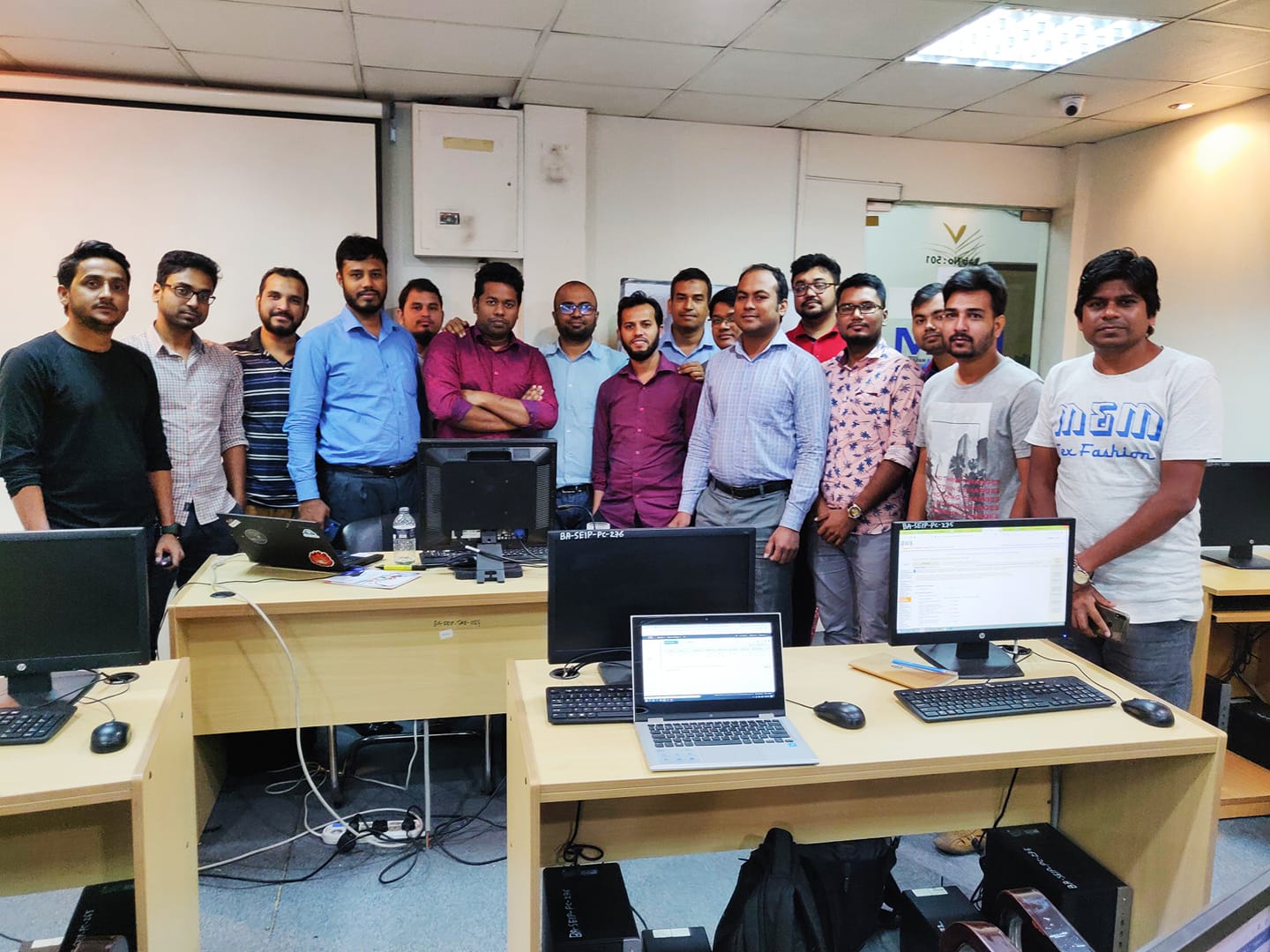
I am the official trainer of AWS Cloud in one of the top training institute. BITM is the training wing of Bangladesh software Association (BASIS) (https://basis.org.bd/). I have trained a total of 10 batches (3 offline and 7 online) as requested by the Bangladesh Software Association. 7th online batch just completed and 8th online batch about to start which advertisement link given below.
I have shared the course outline below:
Class 01: Introduction to Amazon Web Services (AWS) About AWS Elastic computing Advantage of cloud computing Types of Cloud Computing Introduction to the AWS products AWS Security Compliance Regions and Availability Zones Signing up for AWS AWS Free usage tier Introduction AWS management console
Class 02 & Class 03:
EC2 Instances & ELB (Elastic Load Balancer) Understanding AMI Launching your first AWS instance Hands-on Exercise on EC2 On-demand Instance pricing Reserved Instance pricing Spot instance pricing Settings up security groups Amazon Machine Images (AMI) IP Addressing Scheme Public and Private IP’s Key Pairs Elastic IP’s
ELB (Elastic Load Balancer) Introduction to ELB Basic ELB concepts Internet-facing ELB VPC-facing ELB Create an ELB (Elastic Load Balancer) Adding and removing instances on ELB
EBS (Elastic Block Storage) Create EBS volumes Delete EBS Volumes Attach and detach EBS volumes Mounting and un-mounting EBS volume Creating and deleting snapshots Creating volumes from snapshots
Auto scaling Horizontal vs. vertical scaling Boot strapping Create a launch configuration Create an Auto Scaling group Create a policy for your Auto Scaling group Setting up an auto-scaled, load-balanced Amazon EC2 application
Class 04: Relational Database Service (RDS) Selecting the Database type Configuring the database Hands-on Exercise on EC2 Creating database Configuring backups Configuring the maintenance windows Connecting to the database
Amazon Virtual Private Cloud (VPC) What is VPC? VPC configuration VPC security Elastic IP’s Inbound and outbound ACL’s
AWS Cloud Trail What is CloudTrail How it works
Class 05: Route53 Creating zones Hosting a website Understanding routing policies Weighted simple and failover policies
S3 (Simple Storage Service) What is S3? RRS (Reduced Redundancy storage) S3 durability and redundancy S3 Buckets S3 Uploading Downloading S3 Permissions
Cloud Watch Dashboard Configuring Monitoring services Setting thresholds Configuring actions Creating a cloudwatch alarm Getting statistics for EC2 instances Monitoring other AWS services Configuring Notifications Integrating cloudwatch with Auto scaling
Class 06: Simple Notification Service (SNS) What is SNS? Creating a topic Create subscription to different AWS Services
SES (Simple Email Services)
SQS (Simple Queue Service)
Identity access management (IAM) Creating Users and Groups Applying policies Password Policy Roles Command Line Management.
Class 07: Elastic Beanstalk Creating environment Application Versioning Deploying a sample app Hands-on Training
Cloud Formation What is Cloud Formation? Deploying template Create Stack Delete Stack Provisioning application resources with Cloud Formation
Class 08: CloudFront Use of cloudfront Creating a cloudfront distribution Hosting a website of cloudfront distribution Implementing restrictions Configuring origins and behaviors CDN (Content Delivery Network)
AWS Lambda What is Server-less Architecture Anatomy of Lambda Function Lambda Execution Model Common Lambda use cases Amazon Api Gateway
Class 09: AWS Certification Preparation AWS Certification Program Mockup Exam
Class 10: Review of the full training Trouble shooting









 Mizan's Paradigm